Drop in a track, pick a 3D scene and export a video that moves on every beat. In your browser, in minutes.
Made for YouTube, Reels, TikTok, Shorts and Spotify Canvas.
Templates
33 scenes to start from.
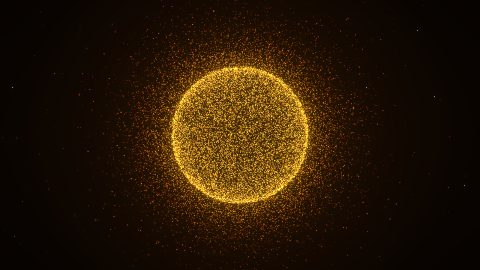
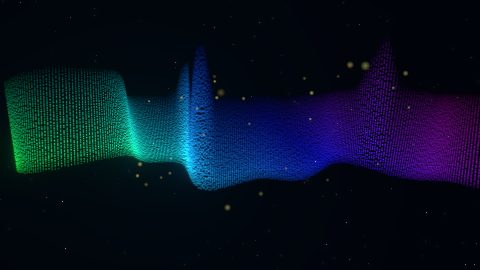
Every template is a real scene you can take apart. Hover to see it move, click to open it with your track.
33 templates shown
How it works
From a song to a video in three steps.
- Step 1Drop a track hereMP3, WAV, M4A, AAC, OGG or FLAC
Load a track
Drop in any song. Bass, mids, highs and every beat are found once, right in your browser.
- Step 2Bar height1.25xGlow68%
Build the scene
Start from a template or an empty stage. Add elements and plug any setting into the music.
- Step 3
Export the video
Pick a format and press Export. The video is drawn by the same code as the preview.
What you can do
An editor, not a preset picker.
46 elements you add, stack and tune. Every one of them can listen to your track.
- 33
- templates
- 46
- elements
- 5
- signals
- 3
- formats
Bar height reacts to bass
Anything can react
Plug a setting into bass, mids, highs, loudness or the beat with one click. Each signal keeps its colour, so you always see what drives what.
Animate over time
Set a value now and another later. It travels between them, on a timeline right under the waveform.
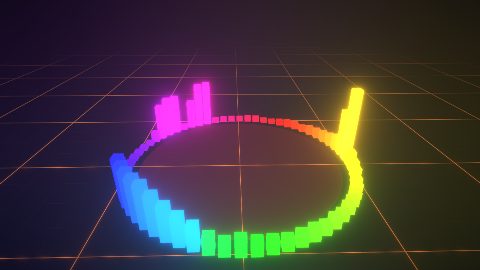
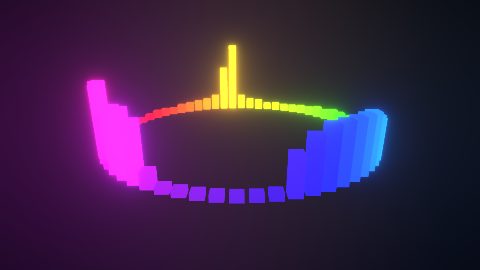 Bar Ring
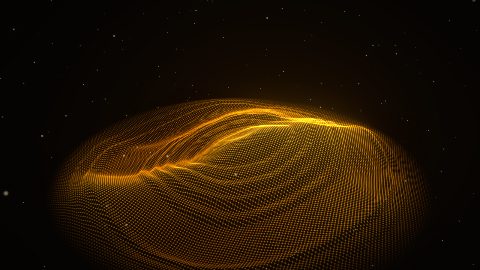
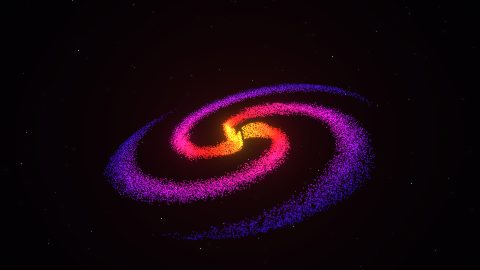
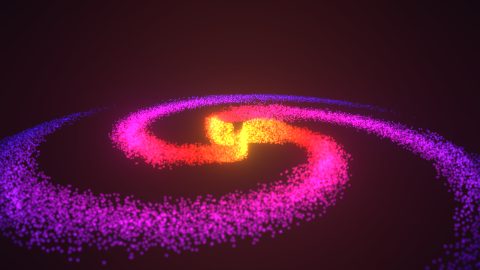 Galaxy
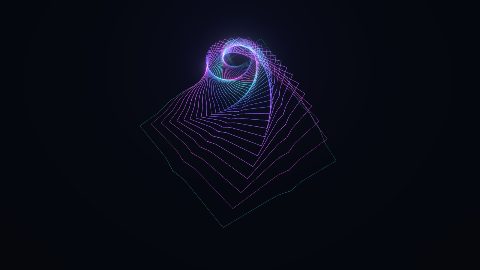 Tunnel
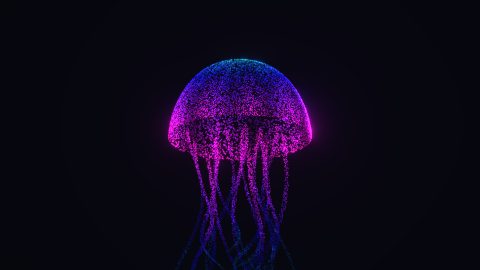 Jellyfish
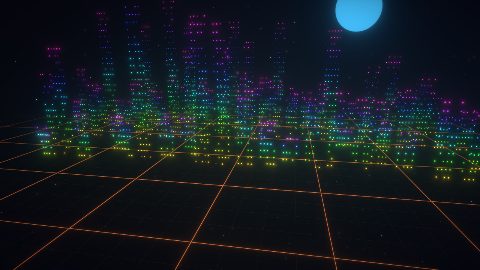
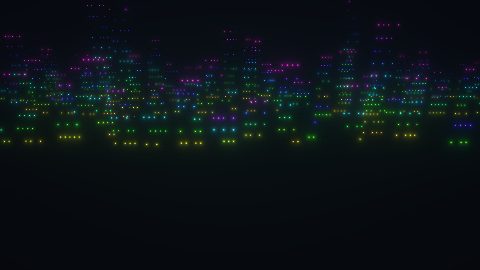 Skyline
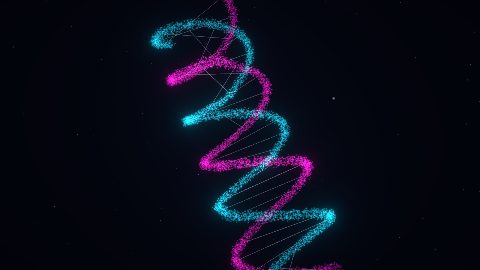
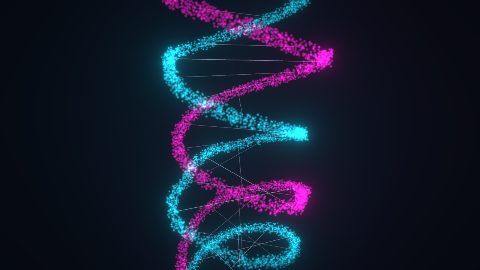 Helix
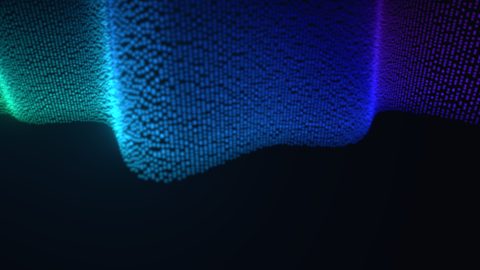 Aurora
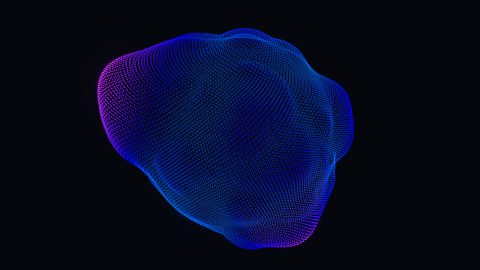 Spike Orb
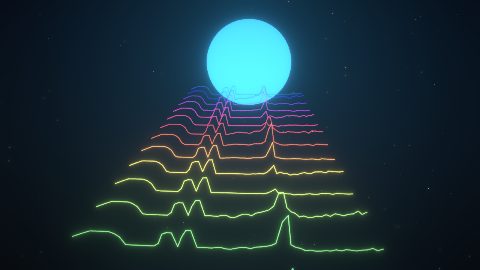
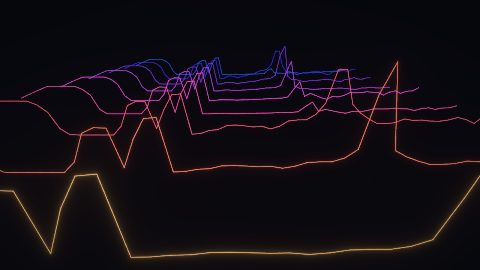 Terrain Lines
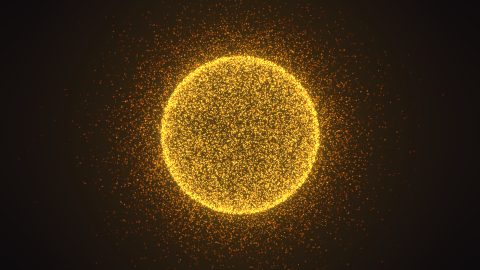 Corona
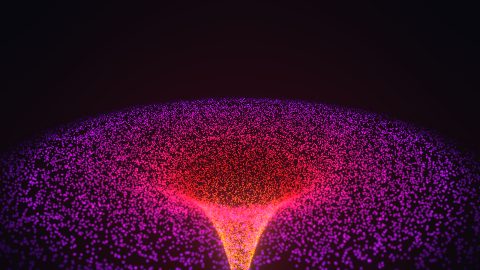 Vortex
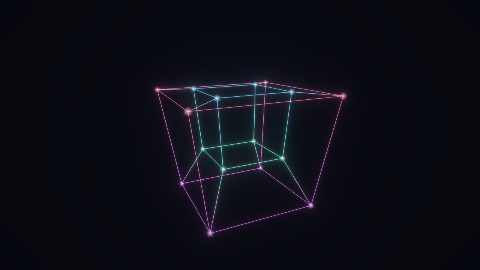 Hypercube
Every scene is yours
Rings, particle clouds, tunnels, terrain, text. Add, remove, duplicate and arrange them freely. A template is only a starting point.
Move the camera
Push in, pull out, crane or punch the zoom with one button. Each move is written as ordinary keyframes you can drag.
Bar ring Stars
Bring your own
Your logo, your cover art, your 3D model. Placed in the scene like any other element.
Slow down, speed up
Give an element a tempo swing: it surges on every beat and falls into slow motion in between.
What you see is the video
No separate export engine. Preview and final render run the same code, frame for frame.
Made for where it goes
One scene, three formats.
Switch format and the camera adapts, so your scene stays in the picture.
Pricing
Free to make videos. Premium when you want them bigger and unmarked.
- Export up to 720p at 30 fps
- All templates and elements
- Landscape, portrait and square
- Your own pictures and 3D models
- Small watermark in the corner
- Export up to 4K at 60 fps
- No watermark
- Everything in Free
- Cancel any time in the customer portal
| Free | Premium | |
|---|---|---|
| Resolution | 720p | 720p, 1080p, 1440p, 4K |
| Frame rate | 30 fps | 30 or 60 fps |
| Watermark | Small, bottom right | None |
| Templates and elements | All 33 and 46 | All 33 and 46 |
| Formats | 16:9, 9:16 and 1:1 | 16:9, 9:16 and 1:1 |
| Your own pictures and 3D models | Yes | Yes |
| Export a section of the track | Yes | Yes |
| Saved projects | Yes, with an account | Yes |
Questions
Before you start.
What does the watermark look like?
A small "Beatframe" in the bottom right corner. The editor's preview shows it exactly where the video will have it.
Do I need an account?
No. You can load a track, build a scene and export without one. An account keeps your projects and videos.
Do I keep my projects on the free plan?
Yes. Projects, your own templates and your videos stay in your account on both plans.
How is the payment handled?
By Stripe, on a page run by Stripe. Card details never reach this site.
What happens when Premium ends?
The account goes back to the free plan. Nothing is deleted; projects set to a higher resolution export at 720p until you upgrade again.